






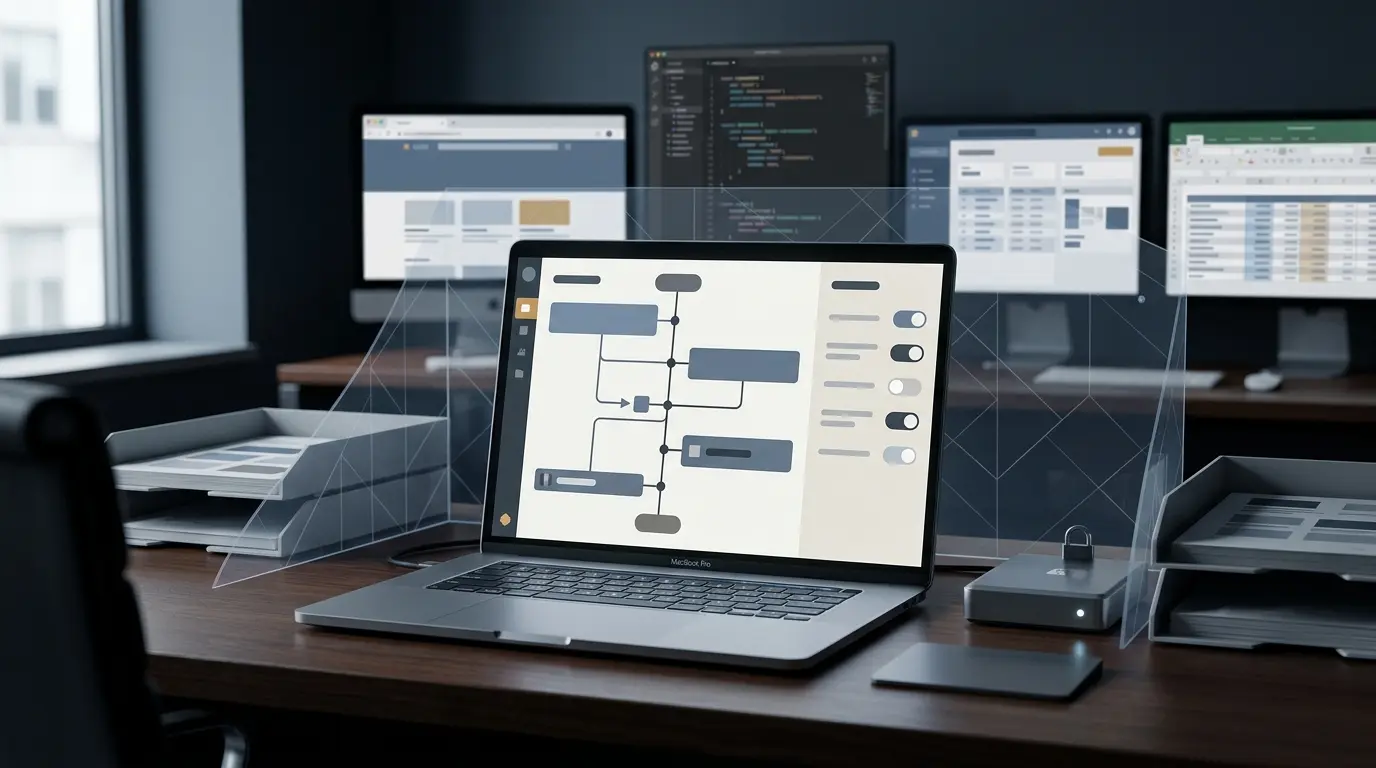
SAN FRANCISCO — OpenAI has officially introduced a powerful new tool to its ChatGPT macOS application: Computer History. Initially rolling out to Pro, Business, and Enterprise accounts across most global regions, this opt-in feature represents a fundamental shift in how desktop assistants interact with user workflows. By constructing a chronological timeline of activity across user-approved applications and websites, Computer History aims to bridge the gap between fragmented tasks and seamless contextual memory.
However, the rollout has triggered immediate concerns across the cybersecurity, legal, and IT sectors. While individual users may celebrate the convenience of an AI that automatically tracks and summarizes their digital day, corporate compliance officers are facing a starkly different calculus. When deployed on corporate hardware that touches proprietary code, customer records, financial ledgers, and confidential legal contracts, Computer History transforms routine multitasking into a structured, searchable data trail.
As businesses increasingly evaluate the friction between artificial intelligence adoption and strict regulatory compliance, OpenAI’s latest feature demands a rigorous, governance-first response rather than a casual workplace rollout.
Main Facts: What Is Computer History?
At its core, Computer History is a context-gathering tool designed to remember, synthesize, and leverage a user’s digital activity on Apple silicon and Intel-based Mac computers. Replacing an earlier, more intrusive tool code-named Chronicle—which reportedly captured constant screen activity via automated screenshots—Computer History adopts a more restrained technical approach.
According to technical documentation and initial industry reporting, Computer History operates via specific architectural mechanisms:
- Event-Based Tracking: Instead of taking screenshots, the feature observes interaction events. This includes mouse clicks, typing inputs, keyboard shortcuts, app switches, and contextual data exposed through macOS accessibility APIs.
- Exclusions: OpenAI explicitly states that the feature does not capture raw screen video, microphone inputs, or system audio.
- Data Processing Pipeline: Interaction events are periodically converted into text-based summaries and local memory files. These files populate a user-facing timeline organized by day and time.
- Granular Controls: Each entry on the timeline features a title, a brief activity summary, the applications or websites involved, and suggested "skills" for automating repetitive work. Users retain the ability to pause collection, clear recorded history, delete individual entries, and review associated memory files directly in macOS Finder.
- Tiered Access: While individual Pro subscribers can enable the feature independently, Business and Enterprise accounts require explicit administrator approval before individual employees can opt in.
Chronology: From the Death of "Chronicle" to Enterprise Rollouts
To understand the current positioning of Computer History, industry analysts must examine its evolutionary timeline over the past several months:
- Late 2023 to Mid-2024 (The Era of "Chronicle"): OpenAI reportedly tested or conceptualized earlier iterations of desktop monitoring, colloquially tracked as "Chronicle." This tool relied heavily on continuous screenshot capture, sparking immediate pushback regarding privacy, bandwidth, and the potential capture of sensitive PII (Personally Identifiable Information) or corporate secrets.
- Early 2025 (Refining the Approach): Recognizing the privacy liabilities of persistent visual logging, OpenAI pivoted toward a system-accessible event stream rather than raw optical capture. This laid the foundation for Computer History.
- Q1 2025 (Initial Rollout Phase): ZDNET and other tech publications broke the news regarding the quiet rollout of Computer History to ChatGPT macOS application users. Availability was initially targeted at Pro accounts, followed by structured expansions into Business and Enterprise tiers across North America and select international markets.
- Current Status (Regional Expansion and Scrutiny): The feature is steadily expanding to international jurisdictions, including the United Kingdom, Switzerland, and the European Economic Area (EEA)—regions governed by stringent data protection frameworks such as the General Data Protection Regulation (GDPR).
Supporting Data and Technical Architecture
A granular look at how Computer History handles data storage reveals specific technical realities that IT administrators must factor into their risk assessments.
Data Lifecycle and Storage
- Raw Event Files: Raw interaction-event files are temporarily stored locally on the Mac within the ChatGPT application’s specific data container. These files are reportedly set to automatically purge after 48 hours.
- Cloud Processing: OpenAI processes these event files on its corporate servers strictly to generate the text summaries and memory files. According to current data policies, OpenAI does not retain the raw event files post-processing, nor does it use this data to train its foundational models.
- Plain-Text Memory Files: The resulting plain-text memory files persist locally on the user’s machine until manually deleted by the user or wiped via application settings.
- Local Security Considerations: Reports indicate that these local memory files are not inherently encrypted by the Computer History feature itself. Consequently, they may be accessible to other local programs or malicious scripts running under the same macOS user account—a standard vulnerability profile for unencrypted local data, but a notable flag for high-security environments.
Official Responses and Vendor Stance
OpenAI’s official documentation frames Computer History as a user-empowerment feature designed to eliminate cognitive fatigue and reduce the friction of context-switching. By allowing ChatGPT to recall what a user was working on three hours ago, professionals can ostensibly resume complex projects with instantaneous briefing documents.
Furthermore, OpenAI has emphasized safety controls built directly into the product architecture:
- Opt-In Architecture: The feature is completely disabled by default. Users must actively navigate to Settings, select Integrations, and manually turn on Computer History. Furthermore, the broader "Memories" feature must also be active for the history to cross-pollinate across independent chats and tasks.
- Administrative Gates for Enterprises: Unlike consumer accounts, enterprise tiers place the ultimate veto power in the hands of IT administrators. Organizations can completely block access at the tenant level, preventing employees from turning on the feature on corporate-managed hardware.
- App-Level Filtering: Users and administrators can dictate which specific applications and websites are permissible for tracking, attempting to wall off sensitive environments like banking portals or internal code repositories.
Enterprise Implications: Productivity vs. Privacy
Despite OpenAI’s implementation of robust user-facing controls, cybersecurity experts argue that Computer History presents profound governance challenges that extend far beyond simple software preferences.
1. The Blur Between Professional and Personal Contexts
Many knowledge workers utilize the same workstation—or even the same user profile—for mixed purposes. A single Mac might host tax preparation software, personal web browsing, encrypted messaging apps, and enterprise-grade customer relationship management (CRM) tools. If enabled without strict boundaries, Computer History synthesizes a continuous narrative that blends confidential corporate transactions with personal digital footprints.
2. Accidental Exposure of Regulated Data
Consider the breadth of modern desktop workflows. Employees frequently interact with:
- Protected Health Information (PHI) within healthcare scheduling platforms.
- Non-public financial data inside internal corporate dashboards.
- Proprietary source code within unreleased software repositories.
- Legally privileged communications and unfinalized contracts.
When an AI-driven tool continuously parses typing habits, active window titles, and browser contexts across these applications, routine work is converted into a structured, searchable database. If an unauthorized process or bad actor gains access to the local machine, the concentration of intelligence stored within these plain-text memory files represents an unprecedented honey-pot of sensitive information.
3. The Burden of Compliance
Data governance frameworks demand that organizations maintain strict control over where corporate data lives, how long it persists, and who can access it. Relying solely on an employee’s subjective judgment to properly configure app exclusions is a risky compliance strategy. Employees motivated by personal productivity gains may inadvertently whitelist applications containing high-risk intellectual property, exposing the enterprise to regulatory penalties or data leakage.
Strategic Recommendations for Organizations
As Computer History becomes a standard component of the ChatGPT desktop experience, IT leaders and Chief Information Security Officers (CISOs) should adopt a proactive stance:
- Audit Current Policies: Immediately review existing Acceptable Use Policies (AUP) regarding generative AI tools on company-owned or BYOD (Bring Your Own Device) hardware.
- Enforce Admin Controls: Utilize enterprise administrative dashboards to restrict or completely disable the Computer History feature across managed corporate fleets until a formal risk assessment is completed.
- Educate Workforces: If the feature is selectively approved, conduct mandatory training sessions for employees regarding the risks of tracking sensitive applications, emphasizing the importance of utilizing app-exclusion lists.
- Monitor Vendor Updates: Keep a close eye on OpenAI’s documentation updates, independent security audits, and regional compliance adjustments—particularly as the feature expands deeper into European markets.
Conclusion
OpenAI’s introduction of Computer History is a testament to the rapid evolution of ambient computing and AI integration. For independent operators and solo entrepreneurs, the feature offers a compelling glimpse into automated productivity and frictionless task resumption.
However, for the enterprise ecosystem, Computer History is less of a convenience feature and more of a stress test for modern data governance. Convenience should never supersede security; by treating this rollout as an institutional governance question rather than a simple software upgrade, organizations can harness the power of AI while safeguarding their most critical assets.