






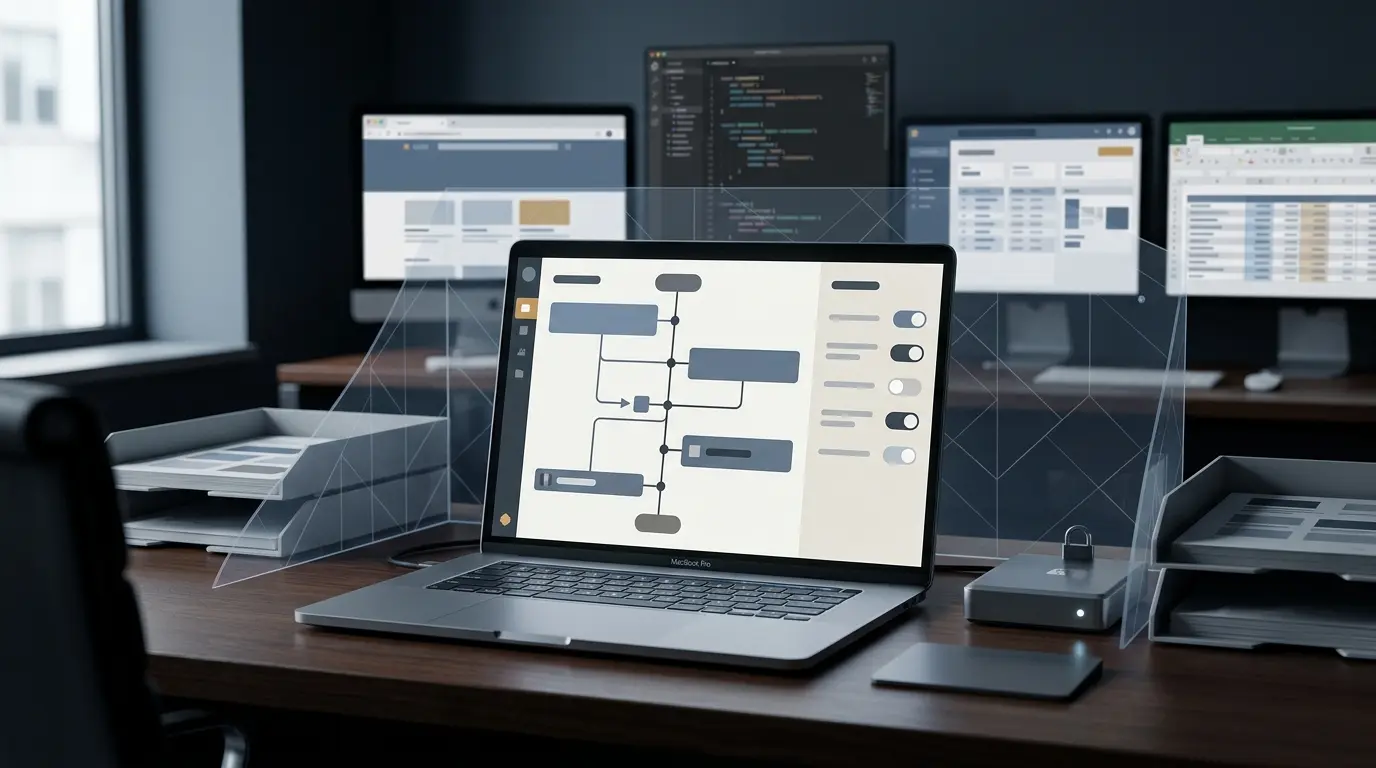
SAN FRANCISCO — OpenAI has officially rolled out a powerful new capability for its ChatGPT macOS application, introducing a feature known as Computer History. Designed to seamlessly track and synthesize user workflows across permitted applications and websites, the opt-in tool automatically constructs a chronological timeline of daily activities.
Initially launching for ChatGPT Pro, Business, and Enterprise accounts across most global regions, the feature is being hailed by productivity enthusiasts as a major leap forward in context-aware artificial intelligence. However, the tool’s deep integration with macOS has simultaneously triggered urgent alarms among Chief Information Security Officers (CISOs) and compliance officers.
By observing user interactions through macOS accessibility APIs, Computer History transforms routine digital behaviors—ranging from drafting corporate emails and reviewing financial spreadsheets to writing proprietary source code—into structured, searchable memory files. While OpenAI has integrated user-side controls and administrative safeguards, the rollout highlights a growing tension in modern software design: the fine line between hyper-personalized productivity and enterprise-grade data exposure.
Main Facts
The introduction of Computer History marks a significant evolution in how desktop AI assistants interact with operating systems.
- Functionality: The tool builds a chronological timeline of user activity by recording interaction events across authorized apps and websites. It captures inputs such as clicks, typing, keyboard shortcuts, app switches, and contextual text exposed via macOS accessibility systems.
- Evolution from "Chronicle": Computer History directly replaces an earlier, more invasive prototype feature known internally and reported as "Chronicle," which periodically captured continuous screenshots of user desktops. OpenAI notes that the new iteration does not take screenshots, nor does it record microphone input or system audio.
- Data Lifecycle: Raw interaction event files are stored locally within the ChatGPT application’s data container on the user’s Mac and are automatically purged after 48 hours. OpenAI processes these event streams on its remote servers to generate human-readable text summaries and local memory files, emphasizing that raw logs are not retained post-processing and are explicitly excluded from model training data.
- Availability and Access Controls: While individual Pro subscribers can independently toggle the feature on, Business and Enterprise accounts require explicit authorization from an enterprise administrator before individual employees can opt in. Furthermore, the feature requires OpenAI’s "Memories" setting to be active for information to cross-pollinate across independent chat sessions and tasks.
Chronology of the Rollout and Feature Evolution
The path to Computer History reflects OpenAI’s ongoing efforts to balance rich contextual awareness with user privacy concerns.
- Late 2024 (The "Chronicle" Era): Early developer previews and leaks revealed OpenAI testing a screen-monitoring tool temporarily dubbed "Chronicle." This iteration relied heavily on periodic desktop screenshots to give ChatGPT visual context into user workflows, drawing immediate privacy critiques regarding the potential capture of sensitive background data, passwords, and confidential messages.
- Early 2025 (Refining the Approach): Responding to early pushback against continuous screen-scraping, engineers pivoted away from passive visual surveillance toward event-driven interaction tracking. This shift leveraged native macOS accessibility hooks rather than raw image capture, dramatically reducing bandwidth, storage overhead, and visual privacy risks.
- Current Rollout: ZDNET and other tech journalists first reported the commercial rollout of Computer History for macOS users. The initial release targeted North American and select international markets for Pro, Business, and Enterprise tiers, with pending expansions slated for the United Kingdom, Switzerland, and the broader European Economic Area (EEA).
Supporting Data and Technical Architecture
Understanding the mechanics of Computer History requires a close examination of how data flows between local macOS environments and OpenAI’s cloud infrastructure.
+-----------------------------------------------------------------+
|                        macOS Environment                        |
|                                                                 |
|  [Allowed Apps & Websites] ---> [macOS Accessibility APIs]      |
|                                            |                    |
|                                            v                    |
|                             [Raw Interaction Event Files]       |
|                             (Stored locally; wiped in 48h)     |
|                                            |                    |
+--------------------------------------------|--------------------+
                                             | Transmitted via HTTPS
                                             v (Encrypted in transit)
+--------------------------------------------|--------------------+
|                      OpenAI Infrastructure |                    |
|                                            v                    |
|                               [Server-Side Processing]          |
|                               (Generates text summaries)        |
|                                            |                    |
+--------------------------------------------|--------------------+
                                             | Returned to client
                                             v
+-----------------------------------------------------------------+
|                        macOS Environment                        |
|                                                                 |
|                     [Local Plain-Text Memories]                 |
|                     (Stored in Finder; unencrypted at rest)     |
|                     (Persists until manually deleted)           |
+-----------------------------------------------------------------+
Storage, Encryption, and Security Realities
Technical documentation and independent analyses reveal specific characteristics regarding how Computer History files reside on host machines:
- Local Memory Files: The generated summaries and structured timeline entries are saved as plain-text local memory files accessible directly through macOS Finder.
- Encryption Status: According to security disclosures, these local files are not uniquely encrypted by the Computer History feature itself. They reside under the standard user account permissions of the host operating system, meaning other local processes or malicious scripts running under the same user profile could theoretically access them.
- Granular User Management: Users retain the ability to pause data collection, selectively whitelist or blacklist specific applications and websites, clear historical data entirely, or delete individual timeline entries piece by piece.
Official Responses and Vendor Stance
OpenAI has framed Computer History as an empowering tool designed to eliminate cognitive fatigue and reduce the friction of multitasking.
Company representatives emphasize that the system is strictly opt-in by design. By requiring users to intentionally navigate to Settings > Integrations and manually activate the feature, OpenAI places the primary responsibility of data boundary definition on the end-user.
For organizational accounts, OpenAI has introduced an administrative gatekeeper function. Enterprise and Business tier administrators hold the overarching authority to disable the integration globally across company-managed devices before any employee sees an opt-in prompt.
Furthermore, OpenAI maintains that data processed through Computer History adheres to strict enterprise privacy guarantees: server-side logs are not utilized to train future foundational models, aligning with corporate data-processing addendums (DPAs) signed by business customers.
Broad Implications for Enterprise Security and Data Governance
Despite robust technical safeguards and clear administrative controls, security experts argue that Computer History introduces complex governance dilemmas that extend far beyond simple productivity metrics.
1. The Blurring of Personal and Professional Boundaries
Many knowledge workers utilize the same high-performance Mac for a mix of professional duties and personal tasks—ranging from checking personal banking and reading private emails to managing sensitive client portfolios and editing confidential source code. If an employee whitelists a web browser or a general-purpose text editor, Computer History can inadvertently stitch together a continuous, structured narrative bridging personal life events and protected corporate intellectual property.
2. High-Risk Industry Exposure
Sectors bound by stringent regulatory frameworks—such as healthcare (HIPAA), finance (SOX, SEC regulations), legal services (attorney-client privilege), and government contracting—face unique vulnerabilities. An active timeline capturing interactions within CRM tools, electronic health record (EHR) systems, or unreleased software repositories could inadvertently transform routine work habits into searchable, persistent text logs residing on local drives.
3. The Limits of Employee-Led Governance
Relying solely on employee discretion to manage data exposure is an imperfect strategy. Standard end-users are rarely trained data compliance officers; they may fail to recognize when an unreleased product design, a proprietary algorithm, or a sensitive contract draft is being passively indexed by their desktop AI assistant. Consequently, CISOs are advised to treat the rollout of Computer History not merely as an IT feature update, but as a critical governance event.
Recommended Next Steps for Organizations
As organizations grapple with the proliferation of ambient AI tools, security leaders recommend a proactive, multi-layered approach to managing macOS integrations:
- Audit Current Policies: Review existing Acceptable Use Policies (AUP) regarding generative AI tools and desktop monitoring software.
- Leverage Admin Controls: Enterprise and Business administrators should proactively evaluate whether to block or restrict Computer History access via management consoles until internal risk assessments are complete.
- Establish Application Whitelists/Blacklists: If the feature is authorized for specific business units, establish clear guidelines on which apps and domains must be strictly excluded from accessibility monitoring.
- Monitor Vendor Updates: Keep a close watch on ongoing updates from OpenAI, as well as independent security audits examining local storage behavior, file-level encryption standards, and deletion verification.
Ultimately, while OpenAI’s Computer History offers undeniable utility for professionals seeking to automate workflows and reclaim lost context, convenience must never override rigorous data governance. Protecting sensitive institutional assets requires deliberate oversight, ensuring that the next generation of AI-driven productivity does not quietly compromise enterprise security.